


Smarter screen capture and recording starts here


AI-powered tools that support your workflow

Convierte el conocimiento en acción
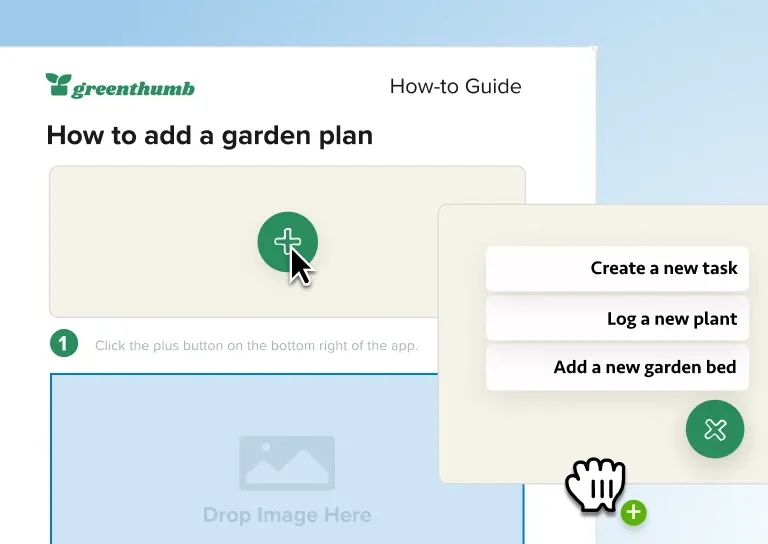
Documentación técnica
Haz que el contenido técnico sea más fácil de entender y más rápido de crear. Snagit te ayuda a crear documentación clara y visual que la gente realmente puede seguir.
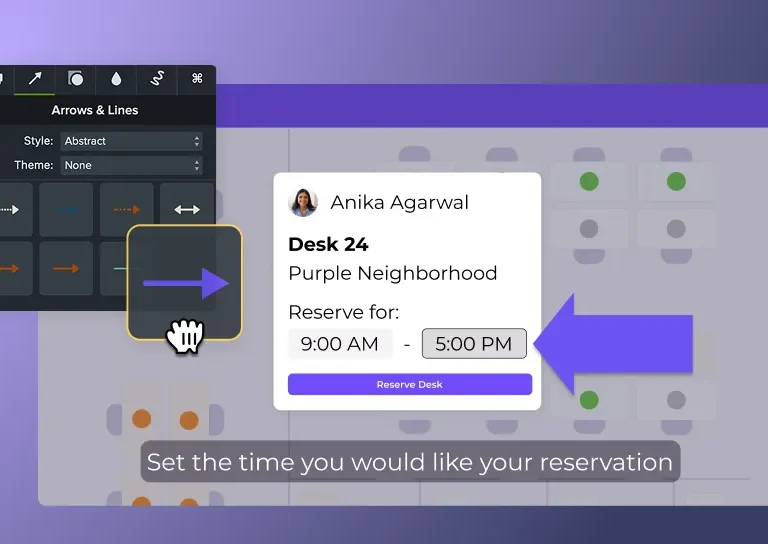
Formación corporativa
Haz que la incorporación, las actualizaciones de procesos y la formación sobre los sistemas sean más fáciles de entender y más rápidas de crear. Camtasia te ayuda a convertir temas complejos en contenido claro y atractivo que tu equipo realmente verá.
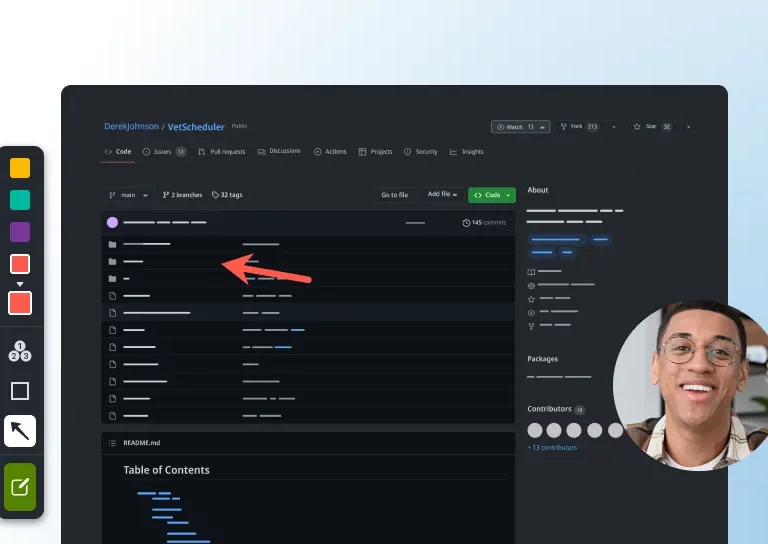
Comunicación en equipos
Sustituye los largos correos electrónicos y las reuniones repetitivas por actualizaciones claras y visuales. Snagit te ayuda a capturar y explicar tu mensaje rápidamente para que tu equipo permanezca coordinado.
Crowd faves
Trusted by millions, these two tools have earned their spot at the top.
 Snagit
Download Free
 Snagit
Quick screen recording for clear communication.
- Capture full screen or selected areas
- Record microphone audio
- Record system audio
Camtasia
Download Free
 Camtasia
Record, edit, and share professional-quality screen videos.
- Record screen, webcam, mic, and system audio
- Edit with drag-and-drop, AI-assisted tools
- Add annotations, transitions, and effects
AI-powered screen recording and video editing



Your all-in-one solution for screen-first video
Edit your video by editing text
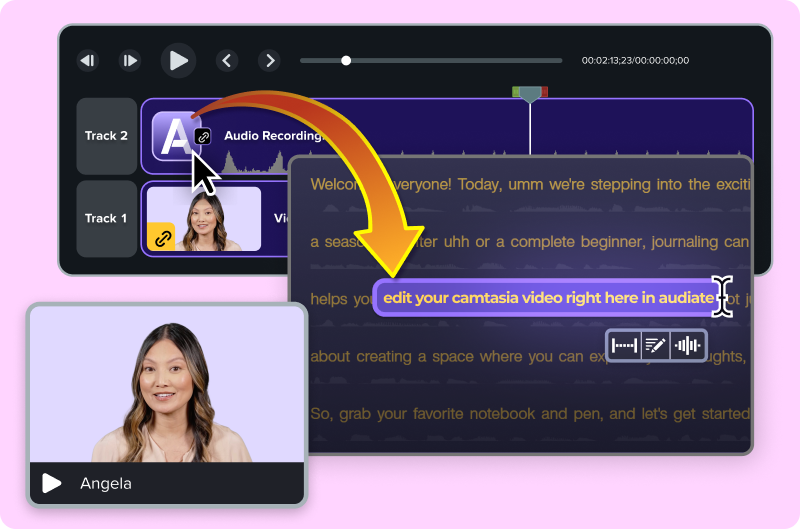
Simplify your workflow with drag-and-drop editing
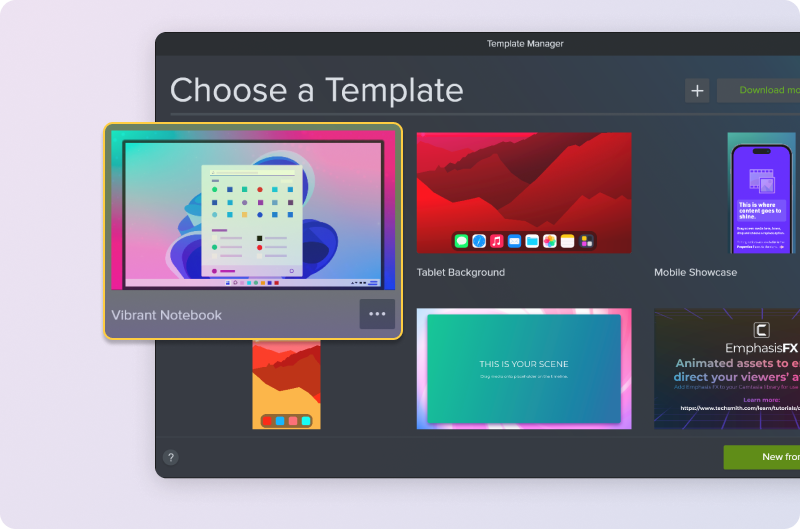
Stay on brand with custom themes and templates
Accessibility features built right in

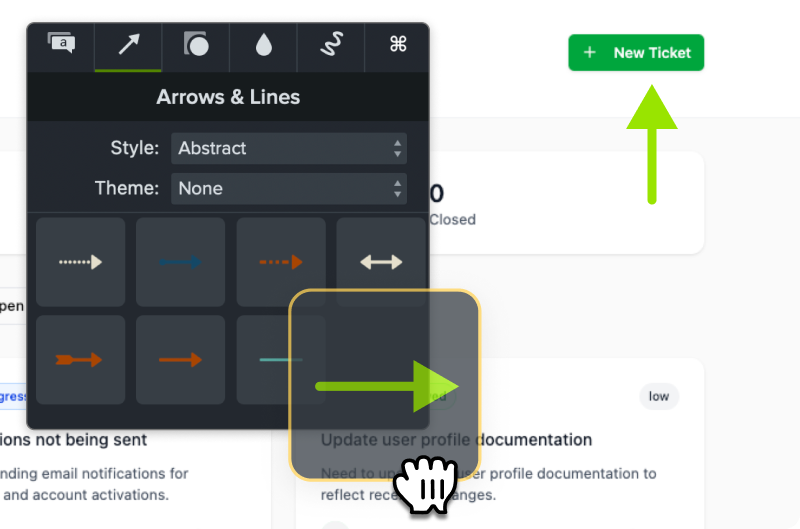
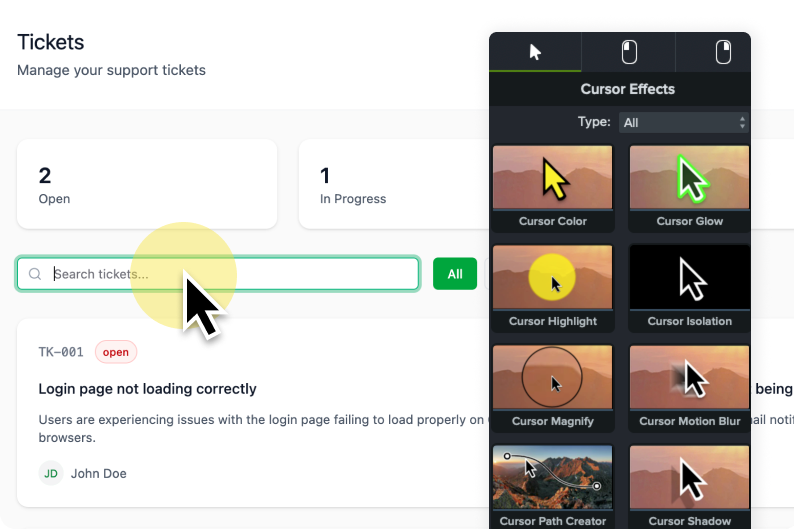
Cursor effects and annotations that clarify every step
Top rated on G2
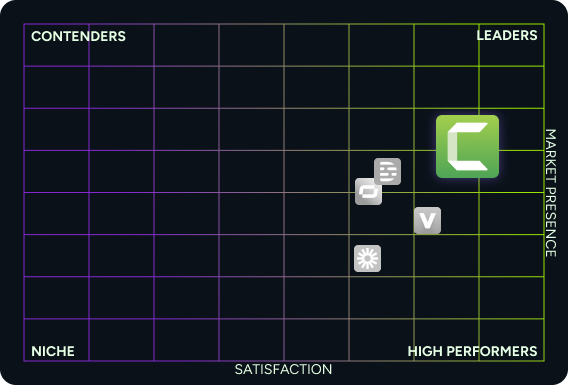


Camtasia Online Only
Access to Camtasia online for short screen recordings in your browser and sharing with your team.
Camtasia Starter
Access to Camtasia online and Camtasia Snagit for creating longer videos and advanced screen capture and editing.



Camtasia Vs All
 |
LOOM | VEED | SYNTHESIA | |
|---|---|---|---|---|
| . Easy video creation | Camtasia, Easy video creation. | LOOM, Easy video creation. | VEED, Easy video creation. | SYNTHESIA, Easy video creation. |
| . Instant share link | Camtasia, Instant share link. | LOOM, Instant share link. | VEED, Instant share link. | SYNTHESIA, Instant share link. |
| . Browser-based recording | Camtasia, Browser-based recording. | LOOM, Browser-based recording. | VEED, Browser-based recording. | SYNTHESIA, Browser-based recording. |
| . Free Tier | Camtasia, Free Tier. — Not applicable | LOOM, Free Tier. | VEED, Free Tier. | SYNTHESIA, Free Tier. |
| . Flexible layouts | Camtasia, Flexible layouts. | LOOM, Flexible layouts. | VEED, Flexible layouts. | SYNTHESIA, Flexible layouts. |
| . Multi-scene support | Camtasia, Multi-scene support. | LOOM, Multi-scene support. | VEED, Multi-scene support. | SYNTHESIA, Multi-scene support. |
| . Multi-user collaboration workflows | Camtasia, Multi-user collaboration workflows. | LOOM, Multi-user collaboration workflows. | VEED, Multi-user collaboration workflows. | SYNTHESIA, Multi-user collaboration workflows. |
| . Advanced image capture and editing | Camtasia, Advanced image capture and editing. | LOOM, Advanced image capture and editing. | VEED, Advanced image capture and editing. | SYNTHESIA, Advanced image capture and editing. |
| . Create videos from images | Camtasia, Create videos from images. | LOOM, Create videos from images. | VEED, Create videos from images. | SYNTHESIA, Create videos from images. |
| . Paid plans starting at | Camtasia, Paid plans starting at. $39 | LOOM, Paid plans starting at. $180 | VEED, Paid plans starting at. $XX | SYNTHESIA, Paid plans starting at. $XX |
| . | Camtasia, . Try it Out! | LOOM, . | VEED, . | SYNTHESIA, . |
Table content (text version)
Below is a plain-text summary of this comparison table. Each row lists the feature or row name, then each column’s value.
- Easy video creation. Camtasia: Included. LOOM: Included. VEED: Included. SYNTHESIA: Included
- Instant share link. Camtasia: Included. LOOM: Included. VEED: Included. SYNTHESIA: Included
- Browser-based recording. Camtasia: Included. LOOM: Included. VEED: Included. SYNTHESIA: Included
- Free Tier. Camtasia: —. LOOM: Included. VEED: Included. SYNTHESIA: Included
- Flexible layouts. Camtasia: Included. LOOM: Not included. VEED: Not included. SYNTHESIA: Not included
- Multi-scene support. Camtasia: Included. LOOM: Not included. VEED: Not included. SYNTHESIA: Not included
- Multi-user collaboration workflows. Camtasia: Included. LOOM: Not included. VEED: Not included. SYNTHESIA: Not included
- Advanced image capture and editing. Camtasia: Included. LOOM: Not included. VEED: Not included. SYNTHESIA: Not included
- Create videos from images. Camtasia: Included. LOOM: Not included. VEED: Not included. SYNTHESIA: Not included
- Paid plans starting at. Camtasia: $39. LOOM: $180. VEED: $XX. SYNTHESIA: $XX
- . Camtasia: Try it Out!. LOOM: . VEED: . SYNTHESIA: